
Orange gradient cursor
2.0kFree
Upgrade your browsing with the Vibrant Orange Gradient Cursor. This custom cursor offers a seamless orange gradient, merging style with functionality
Install the Cursor Space extension for Chrome or Cursor Space for Edge in your browser.
On this page, click "Add this cursor pack to the extension".
Open the extension and go to the Packs tab.
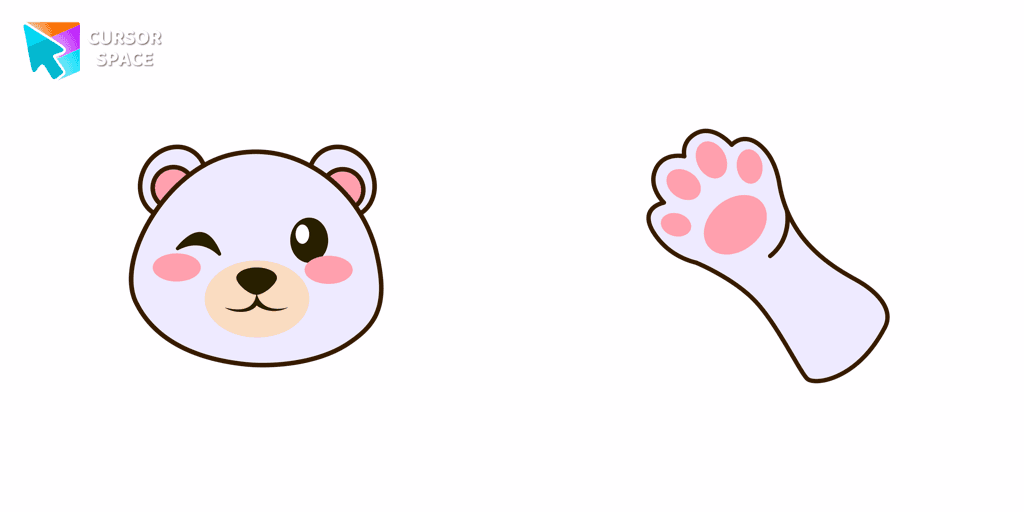
Find the custom cursor pack "Polar Bear cursor" and click it.
Enjoy!
Get this cursor pack and thousands of others by installing our extension. It's fast and free!
Polar Bear Cursor is a themed cursor pack you can add to your browser to personalize your pointer across common cursor states (default and pointer). Use it for everyday browsing, streaming, studying, or gaming-anywhere you want your cursor to match your vibe.
See how the cursors look before installing.
Add the pack to the extension in a few clicks.
Designed for Chrome and Edge via the extension.
Quick answers to common questions about cursor packs, collections, and installation.
Yes. To apply cursor packs in Chrome or Edge, install the Cursor Space extension and add this pack to it.
Cursor packs are designed for Chromium browsers like Chrome and Microsoft Edge.
Open the extension, choose another pack or disable the current one to return to your default cursor.
Custom cursor and packs - neon, anime, pixel art. Quickly add to Chrome and Microsoft Edge for free
Upgrade your browsing with the Vibrant Orange Gradient Cursor. This custom cursor offers a seamless orange gradient, merging style with functionality
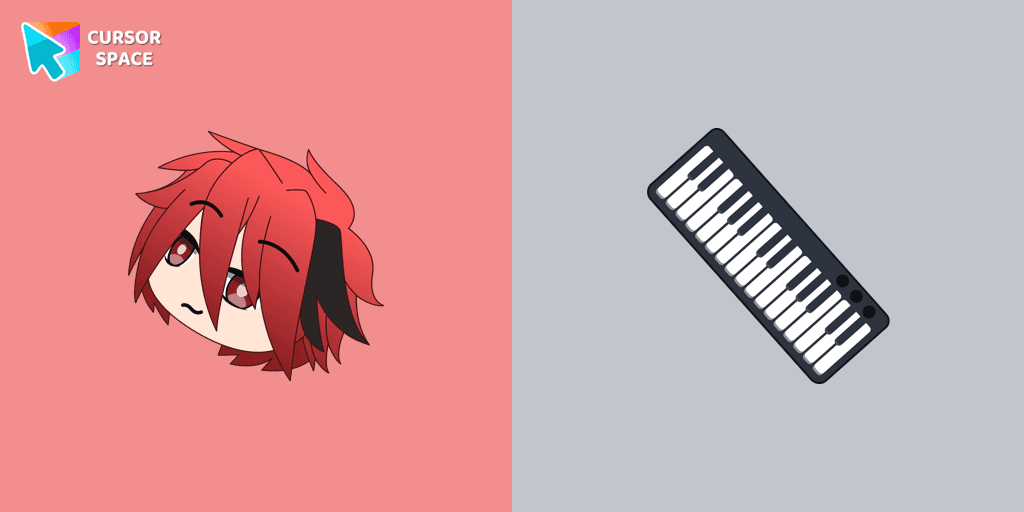
Personalize your browsing with Gacha Life's Ezra custom cursor, blending game love and style seamlessly.

Enhance your Chrome browsing with Custom Cursor Space, a sleek purple cursor crafted to complement your style and elevate your online experience.
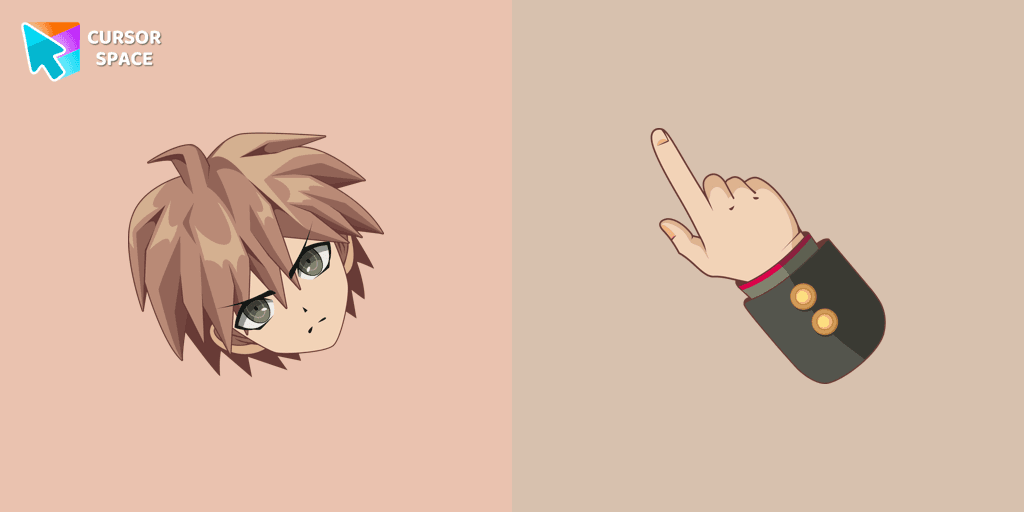
Enhance your browsing with Makoto Naegi, the Ultimate Lucky Student, by using our custom cursor. Swap your default cursor for Makoto Naegi's image for a unique touch.

Enhance visibility and productivity with the Bibata Tinted custom cursor - stylish, nimble, and vibrant for a personalized browsing experience.

Elevate your Chrome experience with The Skeleton custom cursor—its spooky, standout design transforms your browsing and turns heads instantly!
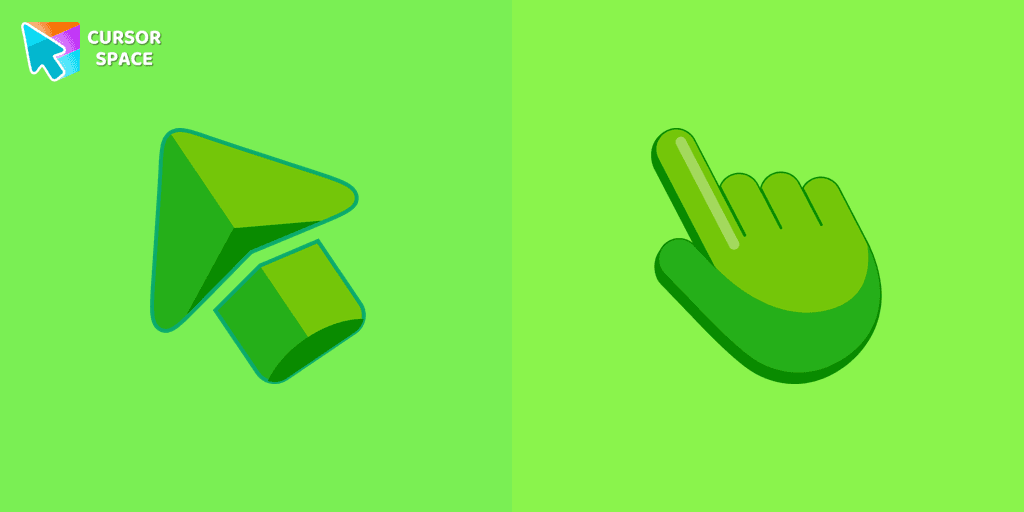
Enhance your browsing experience with the charming Green custom cursor, a delightful upgrade that transforms your ordinary pointer with style and playfulness.
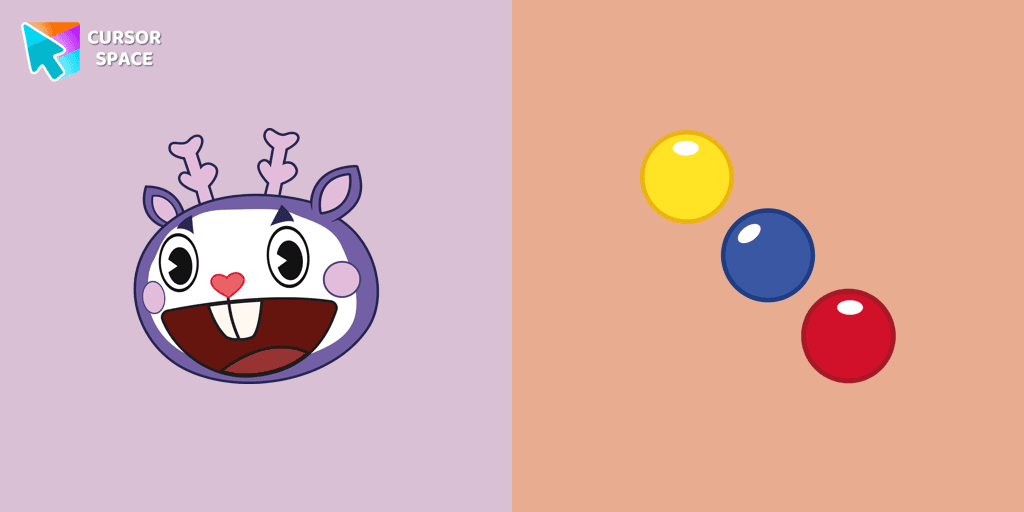
Mime, the purple deer character from Happy Tree Friends, is known for communicating solely through gestures.

Unlocking the World of Fantasy: Discover the Among Us Unicorn Character Cursor
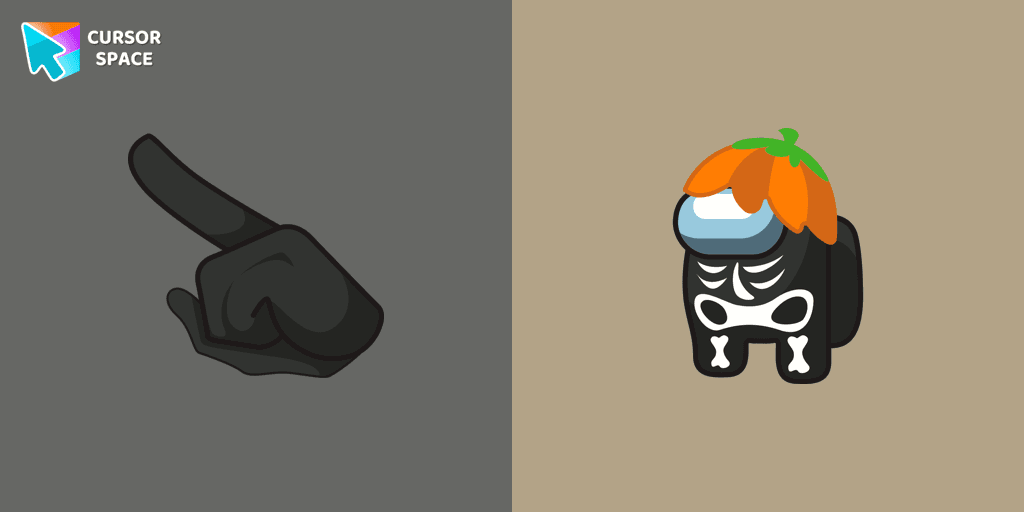
Customize Your Cursor with the Among Us Skeleton Character for a Spook-tacular Experience!

Introducing the Cute Among Us Kakashi Hatake Character Cursor: A Perfect Blend of Two Favorites!
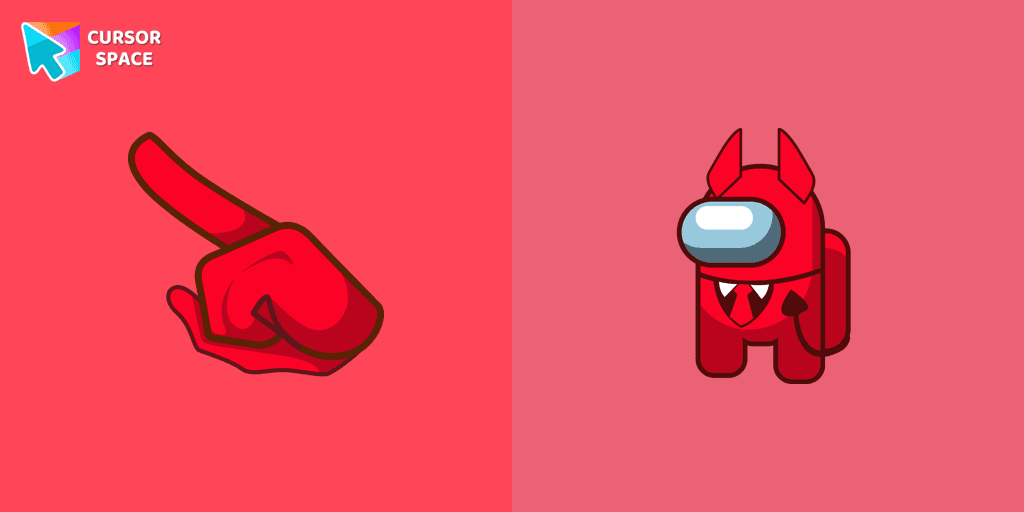
Unleash Adorable Charm with the Cute Among Us Devil Character Cursor!
Installation leaders from "Christmas Holiday Cursors": free packs, neon/anime/pixel art, quick add to Chrome and Edge.
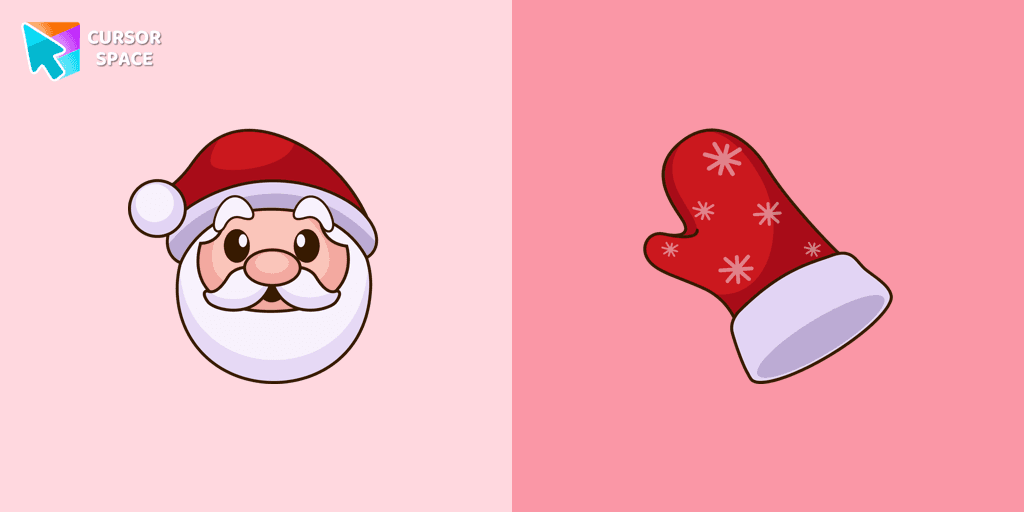
Straight from his residence in Lapland, Santa attended our Merry Christmas and Happy New Year custom cursors collection for Chrome as a custom cursor for the mouse.
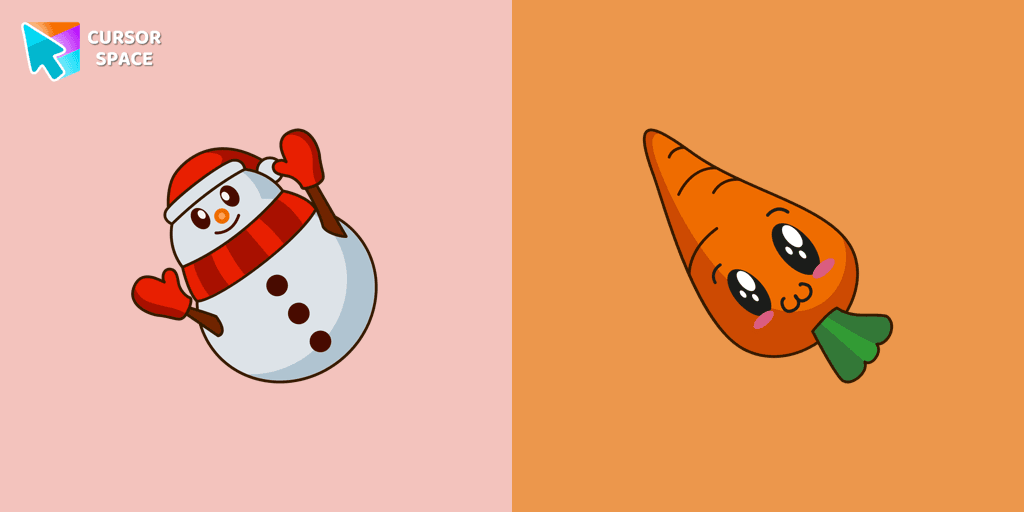
Happy snowman cursor for mouse and pointer in a terrific custom cursors collection for Chrome with Merry Christmas and Happy New Year.
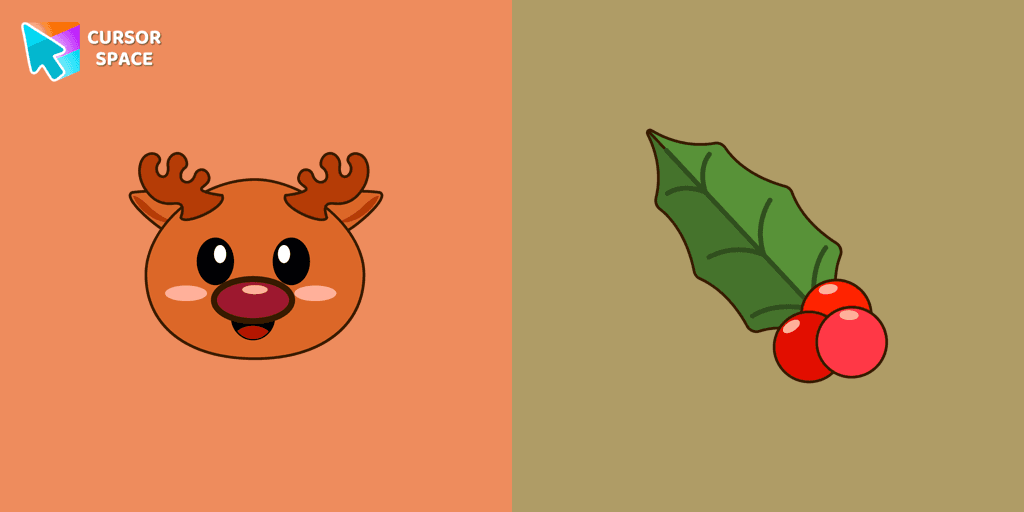
Christmas Reindeer cursor in a nice and colorful art presentation. Fill up every day surfing the web with the bright and funny Merry Christmas and Happy New Year cursors.
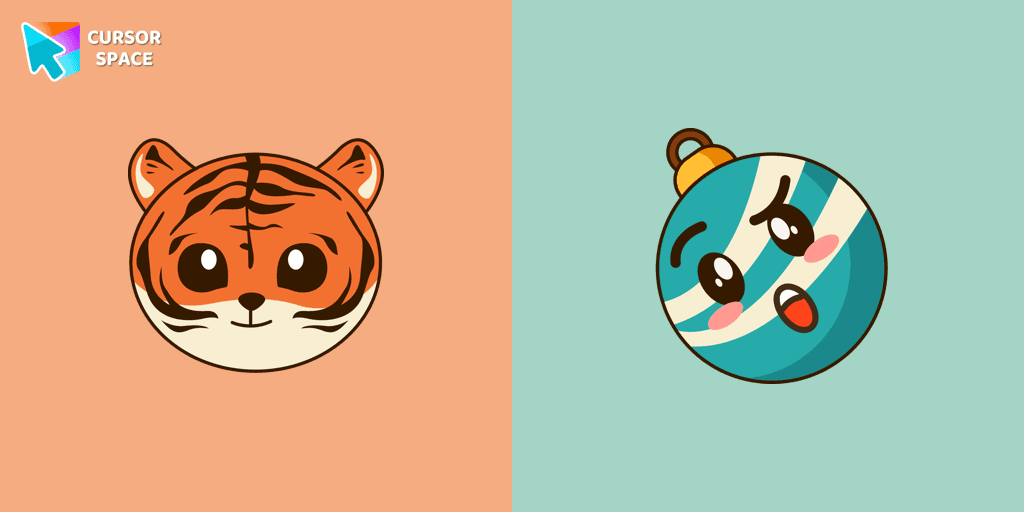
Change your default cursor to a custom cursor with New year tiger, and Christmas toy as a pointer from our Merry Christmas and Happy New Year cursors collection.
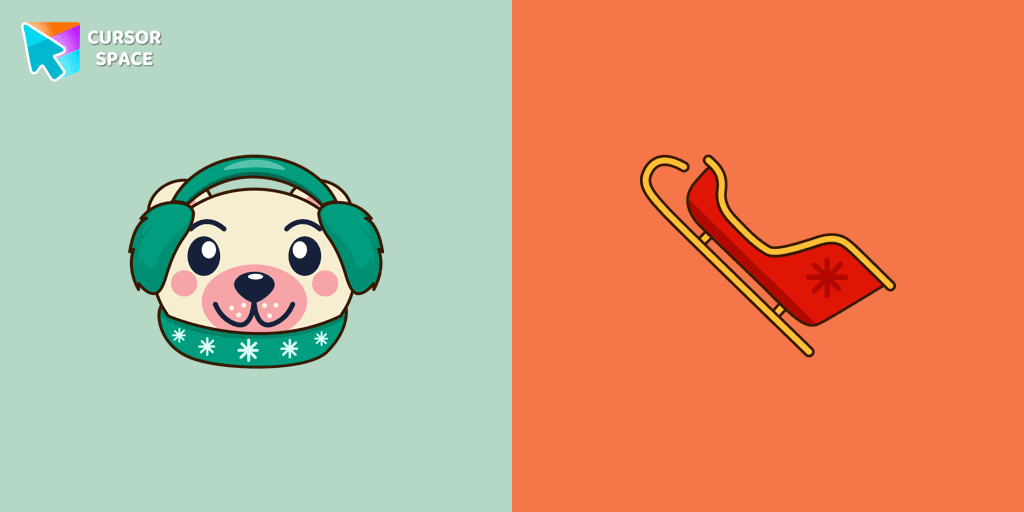
A polar bear that is funny illustrated for our polar bear and sled custom cursor from Merry Christmas and Happy New Year custom cursors collection for the mouse.
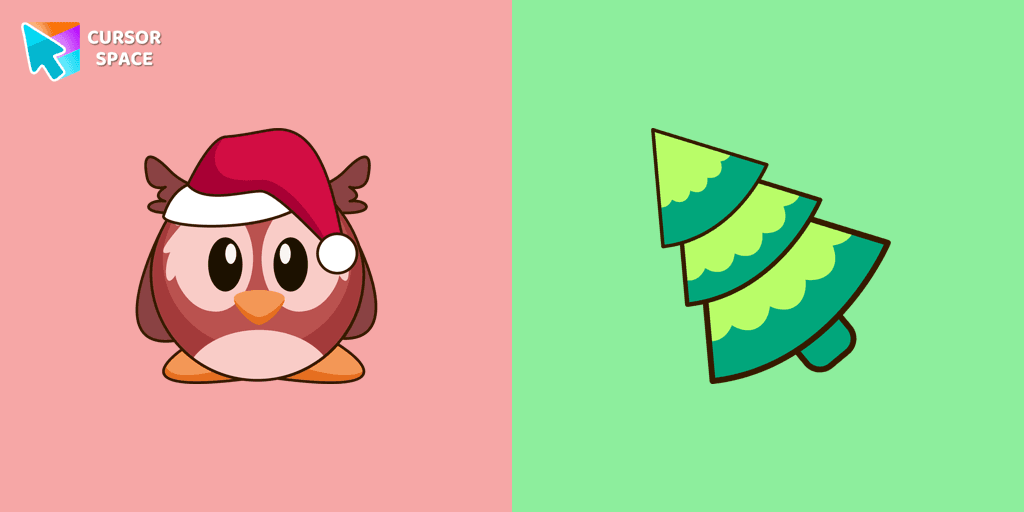
Funny Christmas owl in a Santa hat cursor is a good new year art to decorate your browsing.
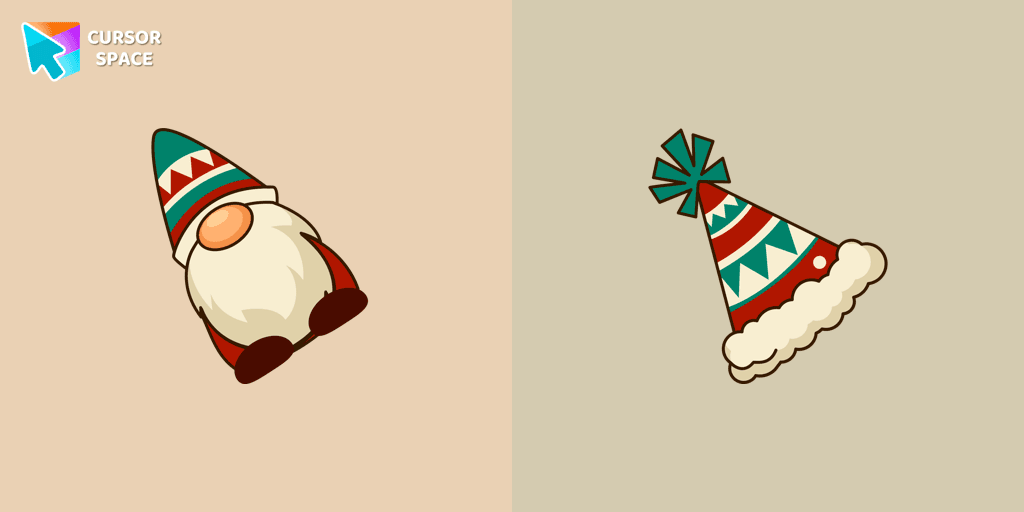
Christmas Gnome custom cursor from our Merry Christmas and Happy New Year cursors collection for mouse and pointer.
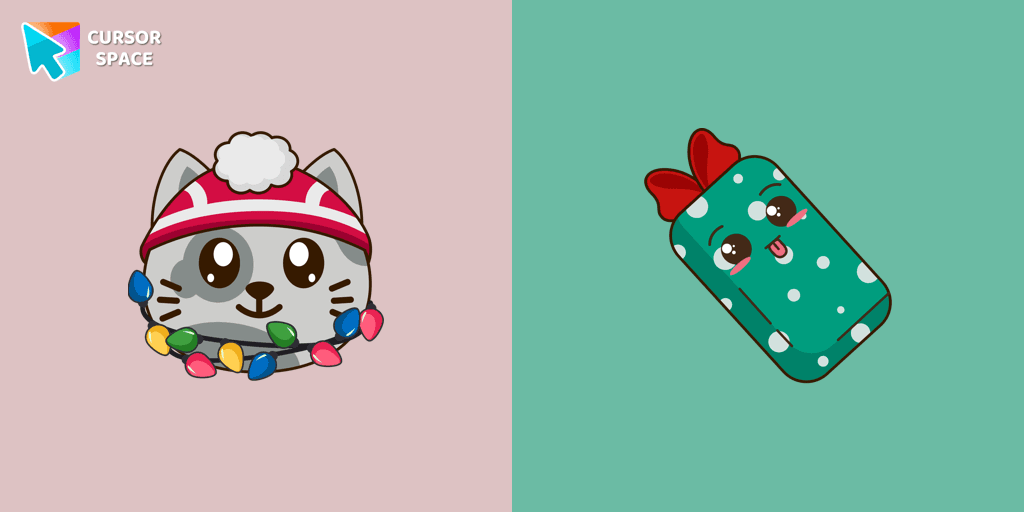
Install a Christmas Cat with a gift cursor from our Merry Christmas and Happy New Year custom cursor collection to feel a smile every time while browsing the web.
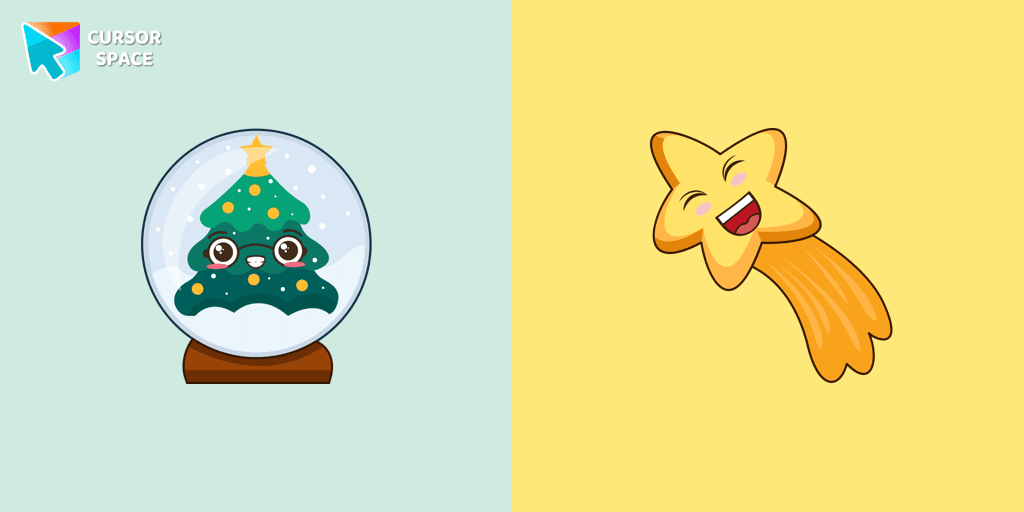
Well-designed custom Christmas Snowball cursor from our fantastic collection of Merry Christmas and Happy New Year custom cursors collection for Chrome.
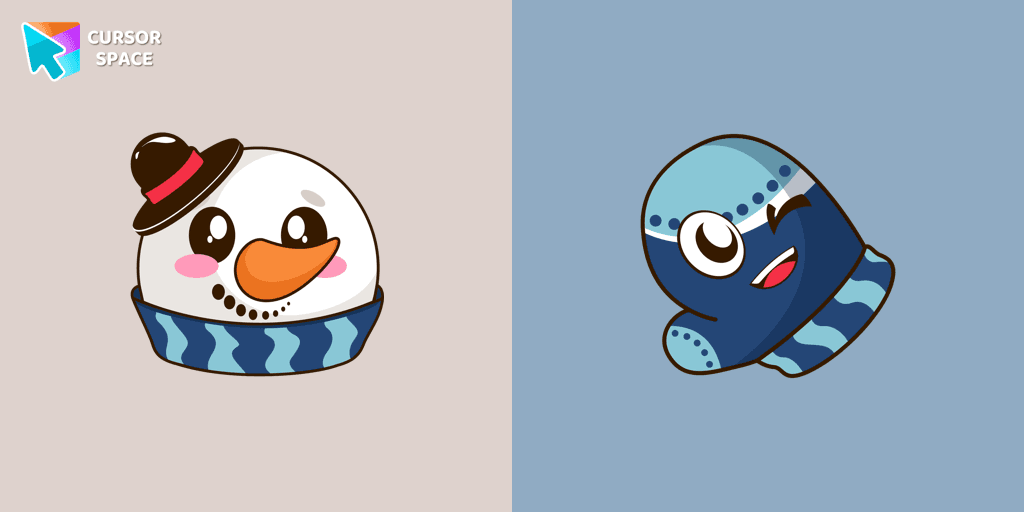
Add Snowman and Mitten cursor in the collection of custom cursors for the browser.
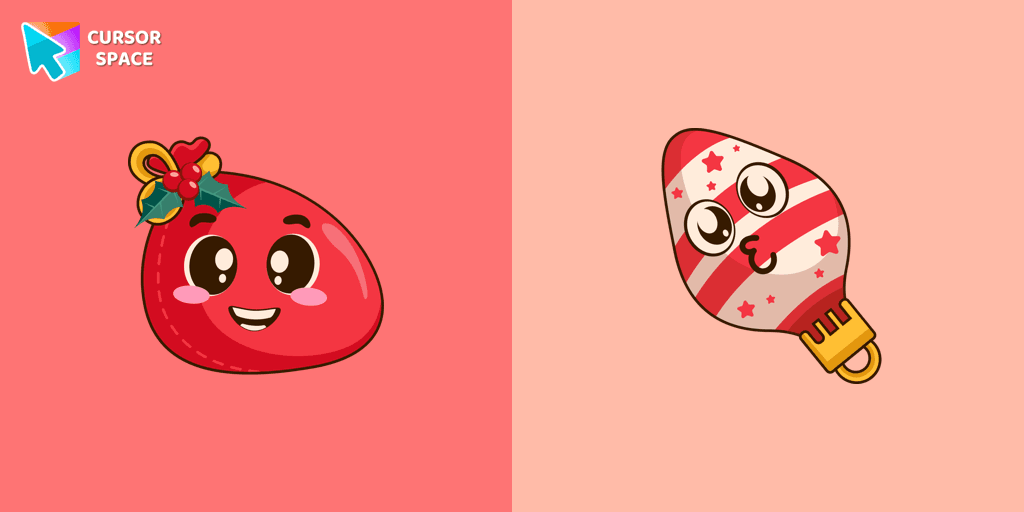
Santa Bag in a cute design for custom cursor and Christmas toy as a custom hover.
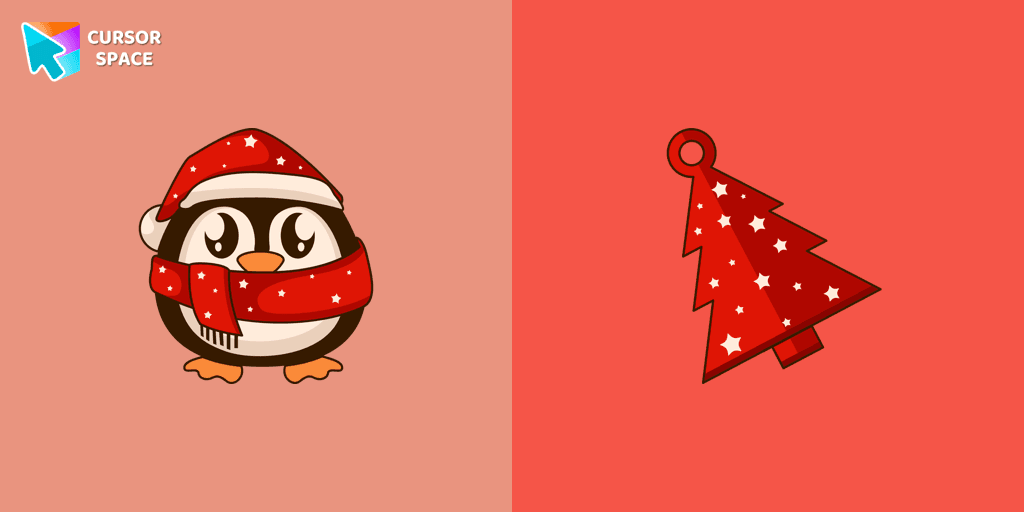
Add a custom cursor with Christmas Penguin in a festive mood, in a cute design from the New Year collection.
Add packs instantly and unlock access to thousands of cursors: neon, anime, pixel-art, and more. Fast, safe, and free.
Cursor Space is an extension for changing your mouse cursor in Chrome and Edge browsers: themed collections, HiDPI icons, neon, animated, and pixel cursors, with quick installation.